
Tech Scenarios
Building a Desk Setup That Survives Long Zoom Days
What changed in this update: FAQs and an update date were added. This is a guide article with no product picks, so no pick cards or comparison table were added.
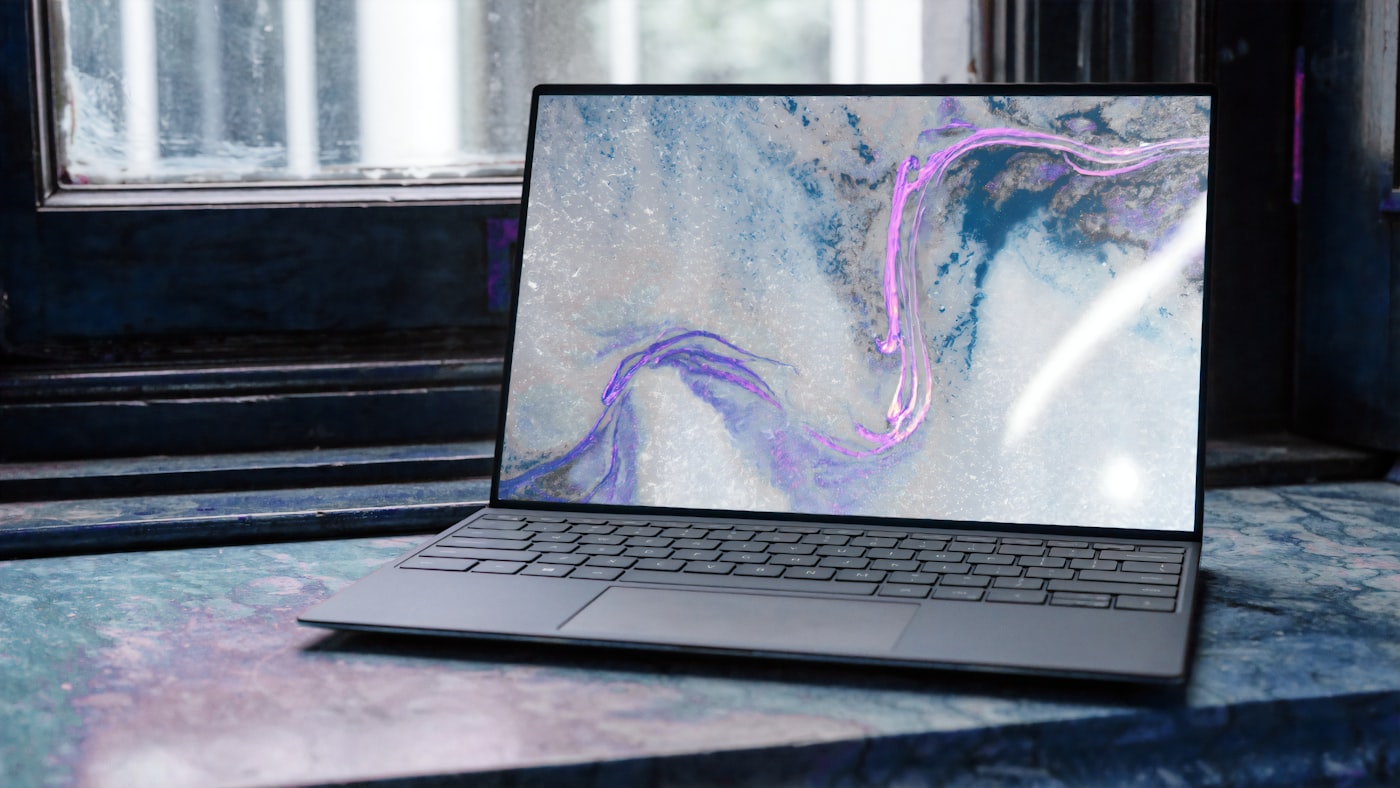
If your shoulders ache by the third meeting, the problem is rarely “more coffee.�?A few setup changes keep hybrid workers upright and camera-ready.
Priya's dining chair became her office chair in 2020. It never left. Four years later her neck votes against every calendar invite. A durable Zoom setup is less about RGB and more about angles, light, and reach.
The fix isn't expensive. It's geometric: screen at eye height, camera at face height, light in front of you. Get those three right and a $30 riser outperforms a $300 gadget.
Screen height first
The top third of your display should sit near eye level — roughly 15 to 20 degrees below your horizontal gaze. For most adults at a 73 cm desk, that means the screen center sits about 110-120 cm off the floor. A simple riser or a monitor arm beats stacking cookbooks, because cookbooks wobble and can't be fine-tuned. If you work on a laptop alone, an external keyboard and mouse free you to lift the screen; typing on a raised laptop keyboard is how wrists go to die.
Camera at conversation height
Looking down at a laptop webcam compresses your posture and the frame — the dreaded nostril shot. A clip-on camera centered on your monitor, at eye level, looks more natural and quietly reminds you to sit tall. The Logitech Brio 500 (about $130, 1080p with auto-framing) is the sweet spot I recommend; the older C920 at $70 is still perfectly fine if your room light is decent. What actually matters more than the camera: being 60-90 cm from it. Too close and every fidget is cinema.
What my desk looks like
I do five to eight hours of video calls on heavy weeks, and my setup evolved through every mistake. Current state: a 27-inch 1440p monitor on a $35 gas-spring arm, laptop closed on a vertical stand to the left, key light (a $40 LED panel with diffuser) at 10 o'clock, facing a window I keep to my side rather than behind me.
The single best purchase was the monitor arm — not the monitor. Being able to swing the screen toward the couch for a casual call, then snap it back to dead-center for a presentation, eliminated the neck craning I didn't know I was doing. Second best: a footrest. Sounds silly; my lower back disagrees. When your feet dangle or rest flat at the wrong angle, your pelvis tilts and your shoulders follow within the hour.
The mistake I kept making: buying "ergonomic" accessories before fixing geometry. A $150 ergonomic mouse doesn't help if your screen is six inches too low. Fix height first, then light, then peripherals — in that order, always.
Light that flatters without glare
Face a window or a soft lamp; never put a bright window behind you unless you enjoy silhouette mode. You want roughly even illumination on your face — a small key light with a diffuser at 45 degrees does it for most apartments. Keep it at 4000-5000K (neutral white); warm 2700K light looks cozy in person and jaundiced on camera. If you wear glasses, raise the light above eye level and angle it down to kill the reflection.
Don't forget audio
People forgive mediocre video; they do not forgive bad audio. A $25 lavalier mic clipped to your shirt beats every laptop microphone ever made, and a $60 USB condenser on a boom arm beats the lavalier. Laptop mics pick up keyboard clatter and room echo because they sit inches from both. If you talk for hours daily, audio is the highest-leverage upgrade after screen height — your colleagues will literally thank you, because right now they are straining to hear you and being too polite to say so.
Cable and power sanity
One surge-protected strip, labeled chargers, and a dock keep the desk resettable between family dinners and work blocks. Label both ends of every cable with a $8 label maker — future-you, crawling under the desk at 8:55 a.m., will be grateful. When shopping for arms, cams, and docks, prioritize adjustability over novelty features you will disable in a week; nobody needs gesture control on a webcam.
Pros and cons
- Pro: Correct geometry (screen height, camera height, front light) fixes 80 percent of video-call fatigue for under $100.
- Pro: A monitor arm pays for itself in flexibility — one screen serves work calls, side projects, and couch browsing.
- Con: Good lighting needs a little fiddling; there's no single "buy this" fix for every room layout.
- Con: Ergonomic accessories can't compensate for bad geometry — fix height before buying gadgets.
Build it in order
Start with the screen: my monitor buying guide covers the 27-inch 1440p sweet spot and the USB-C single-cable trick that declutters everything. Pair it with a laptop that survives the commute, add a keyboard you actually enjoy typing on, and the dining-chair era can finally end. Your neck will notice within a week.
Frequently asked questions
What order should I fix my desk in?
Height first, then light, then peripherals — always. The top third of your display should sit near eye level (screen center about 110-120 cm off the floor at a 73 cm desk). A $150 ergonomic mouse does not help if your screen is six inches too low.
Where should the camera go?
At eye level, centered on your monitor, 60-90 cm away. Looking down at a laptop webcam compresses posture and gives the dreaded nostril shot. The Logitech Brio 500 (about $130, 1080p with auto-framing) is the sweet spot; the older C920 at $70 is still fine if your room light is decent.
What light looks good on camera?
Face a window or a soft lamp; never put a bright window behind you unless you enjoy silhouette mode. A small key light with a diffuser at 45 degrees, 4000-5000K neutral white, does it for most apartments. If you wear glasses, raise the light above eye level and angle it down to kill reflections.
What matters more, video or audio?
Audio, by far. People forgive mediocre video; they do not forgive bad audio. A $25 lavalier mic clipped to your shirt beats every laptop microphone ever made, and a $60 USB condenser on a boom arm beats the lavalier. After screen height, audio is the highest-leverage upgrade.
Affiliate disclosure: some product links may earn ElectroVibe Lab a commission at no extra cost to you. As an Amazon Associate, we earn from qualifying purchases.