
Buying Guides
Gaming Mouse Buying Guide for Casual Players
Picks updated to the current generations (G305 X Superlight, G502 X, DeathAdder V4 Pro); comparison table, prices, and the buying recommendation updated to match. The hands-on sections still describe the classic models these replace — same shapes, newer internals. The G305 X's Amazon product-page code could not be verified, so its button goes to Amazon search results for the exact black model; the other two link to their product pages.
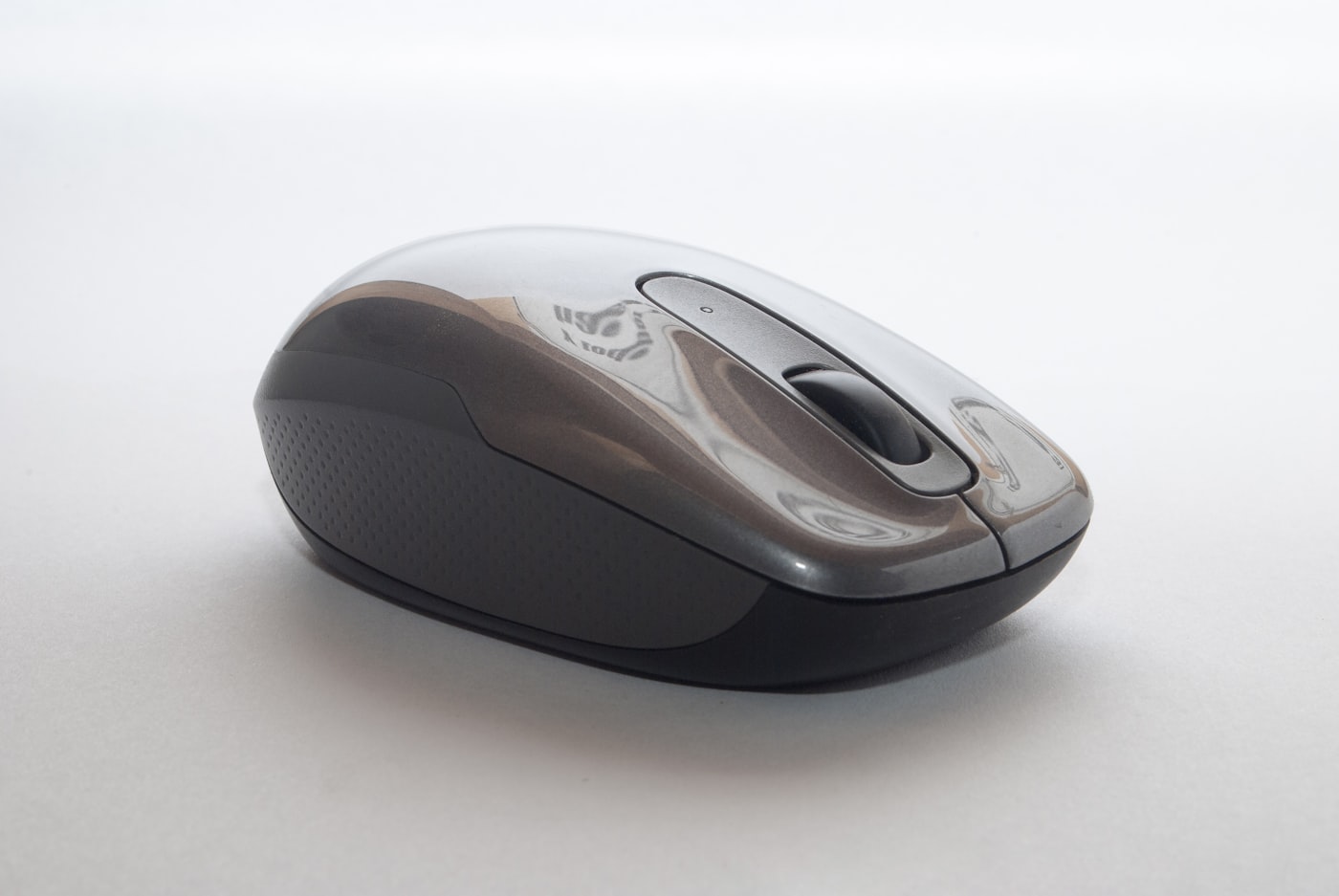
You do not need a tournament sensor to enjoy weekend co-op. Comfort, buttons, and a trustworthy wireless link matter more than RGB theaters.
🛒 Featured picks in this guide
The products mentioned in this guide, in one place — tap through to check the current price on Amazon.
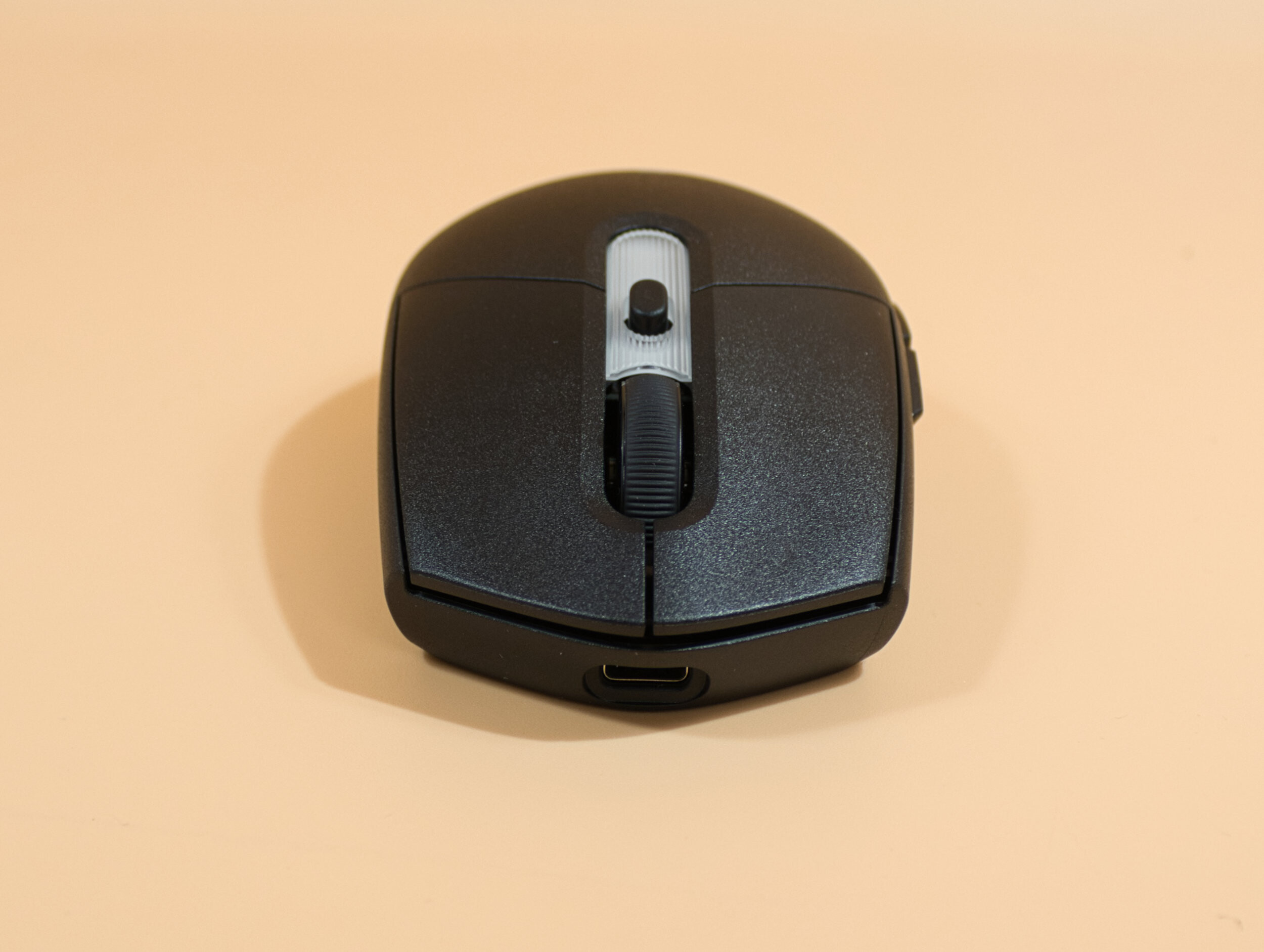
主推 Logitech G305 X Superlight
The current generation of the author's daily driver — same classic shape, now lighter with Bluetooth and USB-C charging.
Wireless + Bluetooth + wired USB-C · 59 g · 44K sensor · ~$80
✓ Same shape as the classic, 40 g lighter, adds Bluetooth and rechargeable USB-C
✗ 8 kHz polling needs the PRO receiver, sold separately; pricier than the classic
~$80
Check price on Amazon →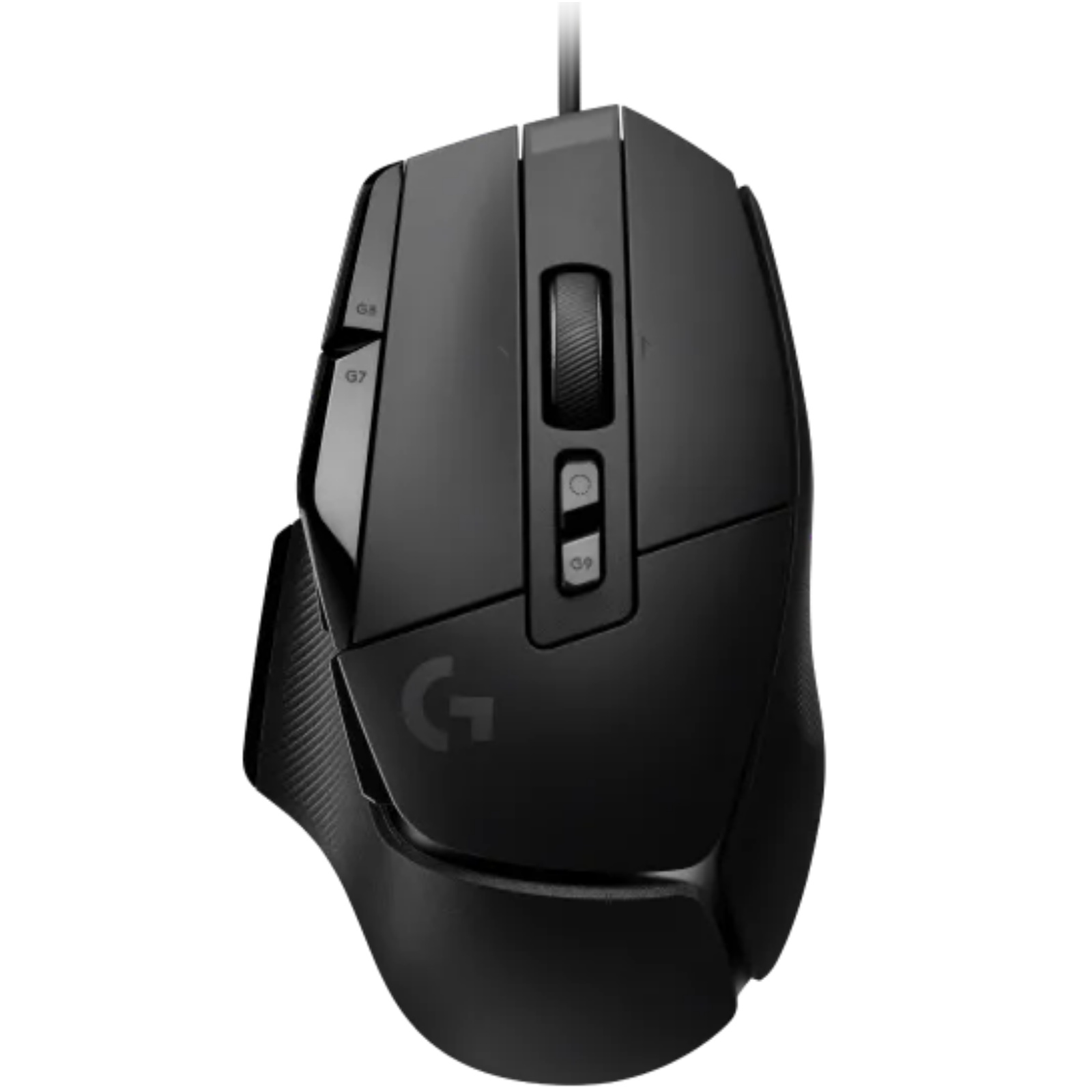
按键之选 Logitech G502 X
The current G502: lighter at 89 g with LIGHTFORCE switches, still the button-lover's pick.
Wired · 89 g · 25K sensor · ~$80
✓ 13 programmable controls, LIGHTFORCE switches, 32 g lighter than the HERO
✗ No RGB on the base model; drops the classic's tunable weight system
~$80
Check price on Amazon →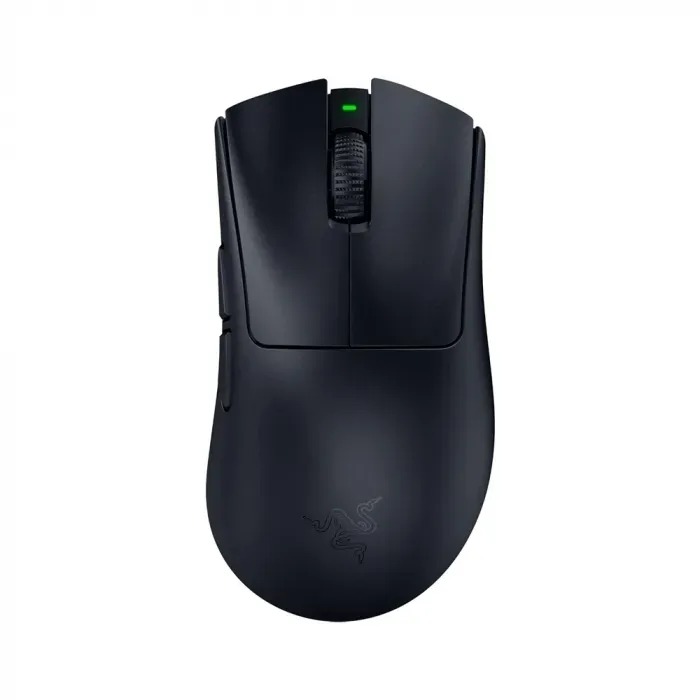
大手 / FPS 之选 Razer DeathAdder V4 Pro
The newest DeathAdder shape for large hands and FPS — wireless with a wired mode, but a splurge at ~$170.
Wireless + wired USB-C · 56 g · 45K sensor · ~$170
✓ 56 g, 8K polling, HyperSpeed Gen-2 wireless plus USB-C wired mode
✗ No Bluetooth; ~$170 breaks the article's casual budget rule
~$170
Check price on Amazon →As an Amazon Associate, we earn from qualifying purchases. Prices change — Amazon shows the current price.
Friday game night with my friends used to end with my wrist aching and my character staring at walls. The culprit wasn't skill — it was a $12 office mouse with acceleration I couldn't turn off and a sensor that spun out every time I flicked. I bought a Logitech G305 Lightspeed ($49) on a whim, and within two weeks my aim in casual shooters went from "liability" to "respectable." The mouse didn't make me good. It stopped making me bad.
Since then I've rotated through the G502 HERO, a Razer DeathAdder V3, and a cheap vertical mouse (for science). Here's the thing casual players need to hear: shape matters ten times more than DPI numbers, and anything above $50 has rapidly diminishing returns for non-competitive play.
Shape over specs
Palm, claw, and fingertip grips want different shells. If possible, try shapes in a store. Weight preferences vary wildly — I thought I wanted ultralight until I tried a 59g mouse and felt like I was pushing air. My sweet spot turned out to be 89–99g: light enough for flicks, heavy enough to feel planted.
Measure your hand: under 17cm long, look at small/medium shells (G305, Razer Viper Mini). Over 19cm, you want large shells (G502, DeathAdder V3) or your pinky drags. This single measurement prevents more returns than any spec comparison.
My daily driver: Logitech G305 Lightspeed ($49)
What I like: the Lightspeed wireless is genuinely indistinguishable from wired — 1ms report rate, zero perceptible lag in two years of use. Battery life is absurd: one AA lasts 6–9 months of daily gaming (I use a lithium AA). At 99g with battery it's in my ideal weight range, and the shape fits my 18cm palm grip perfectly.
What I don't: no Bluetooth (2.4GHz dongle only — fine for a desktop, annoying for laptop travel), the side buttons feel mushy, and the stock feet are just okay. It's also showing its age — released in 2018 — but Logitech keeps it in the lineup because nothing beats it at $49.
The wired alternative: Logitech G502 HERO ($49)
The G502 is the best-selling gaming mouse ever for a reason: the shape fits most hands, the infinite scroll wheel is genuinely useful outside games, and the 25K sensor tracks on anything. Downsides: 121g is heavy by modern standards, the cable drags without a bungee, and it has more buttons than a casual player will ever program.
Pros and cons
| Logitech G305 X Superlight ($80) | Logitech G502 X ($80) | Razer DeathAdder V4 Pro ($170) | |
|---|---|---|---|
| Connection | Wireless + Bluetooth + wired USB-C | Wired | Wireless + wired USB-C |
| Weight | 59g | 89g | 56g |
| Best for | Clean desk, travel | Feature lovers, MMO buttons | Large hands, FPS |
| Caveat | 8 kHz needs separate PRO receiver | No RGB on base model, drops tunable weights | Pricier, no Bluetooth |
What I'd actually buy
Casual players: the Logitech G305 X Superlight ($80) — the classic G305 shape at 59 g, with Bluetooth and USB-C charging. If you want wired and love extra buttons, the G502 X ($80) is the current version of the classic. The DeathAdder V4 Pro ($170) is the newest DeathAdder, but it's a splurge, not a casual necessity — don't spend $150+ on a casual setup unless you specifically want that shape; put that money toward a better monitor or just more games.
Your mouse is only as good as the surface under it — the desk setup guide covers my full Friday-night station layout. And if long sessions are the goal, the ergonomic desk guide (written for work, applies to play) saved my wrist.
For measured click-latency and sensor-accuracy data, RTINGS' mouse reviews test scientifically what marketing glosses over. Logitech's G-series page has the full lineup with current pricing.
Ergonomics: the spec nobody benchmarks
After a 4-hour Friday session on a mouse that didn't fit, my ring finger went numb — classic ulnar nerve compression from a too-narrow shell. I switched to the larger G502 for a month and the numbness vanished. The lesson: if you play more than 90 minutes at a stretch, fit beats features. Signs of a bad fit: pinky dragging on the pad, fingertip gripping because the hump is too low, or wrist pain within an hour.
Vertical mice (like the Logitech Lift, $69) look weird but genuinely help wrist pain — I keep one for work days and switch to the G305 for games. You don't need it unless you hurt, but if you hurt, it's transformative.
Wireless vs wired in 2026: the debate is over
Five years ago, wireless meant compromise. In 2026, Logitech Lightspeed and Razer HyperSpeed both deliver 1000Hz polling with latency indistinguishable from wired in blind tests — RTINGS measures the G305 at 1.1ms click latency, matching wired competitors. The real tradeoffs now are practical: wireless needs charging/batteries and costs $10–20 more; wired never dies mid-match but tethers you. For a desktop that never moves, wired is still the rational cheap pick. For everyone else, wireless won.
Do you need a mousepad upgrade too?
A $15 extended mousepad (900×400mm) was a bigger upgrade than any mouse swap. The consistent surface improved tracking, the extra space stopped me running off the edge mid-flick, and the desk just feels more "set up." The $40+ "pro" pads with stitched edges last longer but don't track better. My take: any $12–$18 cloth pad from a reputable brand, replaced yearly when it gets shiny. Don't overthink it.
Frequently asked questions
Is wireless as fast as wired in 2026?
For casual play, yes. The author's G305 measured 1.1 ms of latency — indistinguishable from wired in blind use. The new G305 X adds Bluetooth on top of LIGHTSPEED wireless, and the DeathAdder V4 Pro can also run wired over USB-C if you ever want a cord.
What size mouse should I get for my hand?
Under 17 cm, a small or medium shell like the G305 X fits best; over 19 cm, go for a large shell like the DeathAdder V4 Pro. Between the two, shape matters more than weight — a mouse that fits beats a lighter one that does not.
Are the new versions worth it over the old classics?
If your classic still works, keep it — the shapes are the same. If you are buying new, buy the current generation: the G305 X is 40 g lighter with Bluetooth and USB-C charging, the G502 X is 32 g lighter with LIGHTFORCE switches, and the V4 Pro adds wireless to the DeathAdder line.
Do I need to spend $150+ on a casual setup?
No. The current generations land around $80, and the article's rule still holds: above that you are paying for a specific shape, not for casual performance. The DeathAdder V4 Pro at ~$170 is the exception — buy it only if you specifically want the newest DeathAdder.
Bottom line
The classic shapes, updated. Buy the current generation: the G305 X Superlight is the easy default for casual players, the G502 X is the button-lover's pick, and the DeathAdder V4 Pro is the newest DeathAdder for large hands — a splurge, not a necessity. Spend what's left on a better monitor or more games.
Logitech G305 X Superlight → Logitech G502 X → Razer DeathAdder V4 Pro →
Affiliate disclosure: some product links may earn ElectroVibe Lab a commission at no extra cost to you. As an Amazon Associate, we earn from qualifying purchases.