Tech Scenarios
Home Office Lighting That Actually Reduces Eye Strain
What changed in this update: pick tiers, spec lines, pros and cons, a comparison table, FAQs, and a closing verdict.
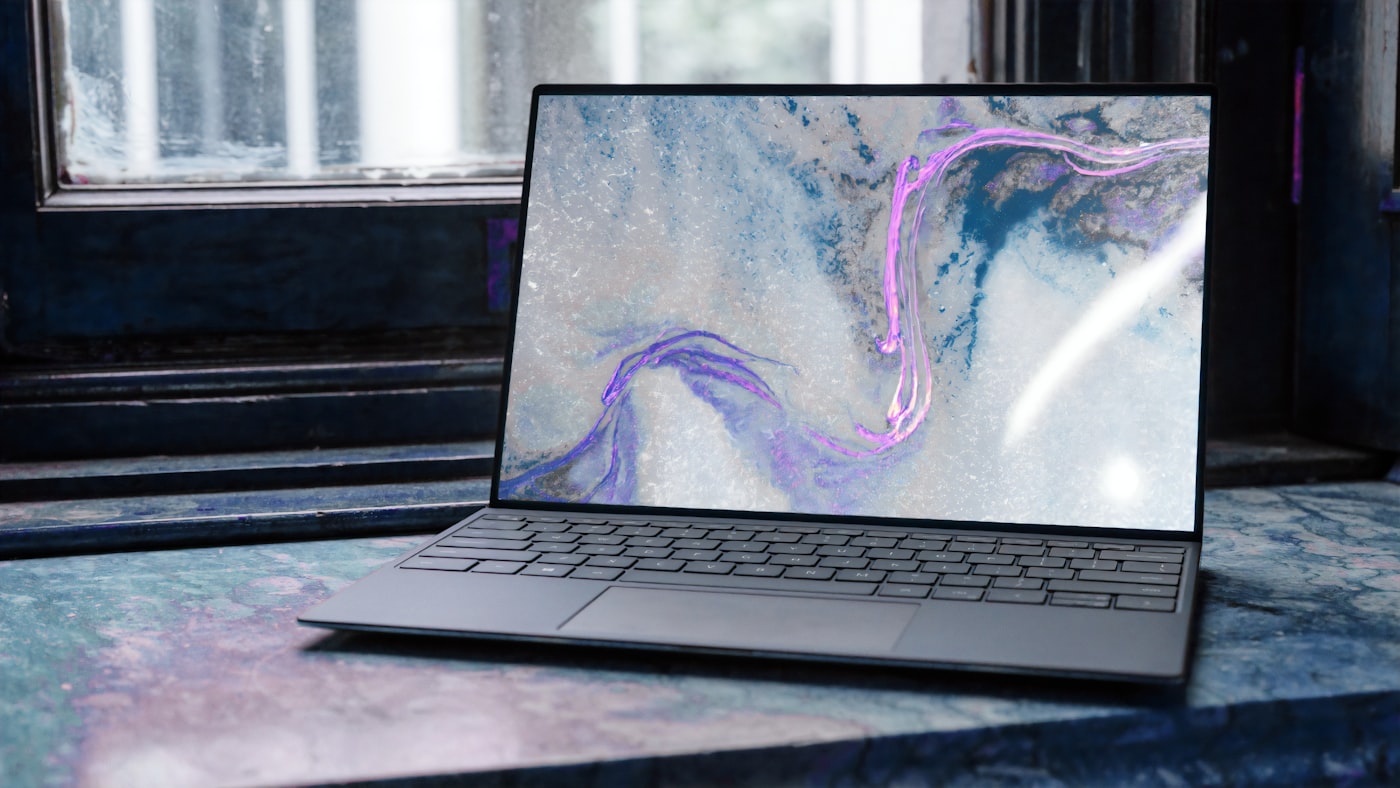
Your headaches might not be the screen — it's the lighting. A $40 fix I wish I'd known about two years ago.
🛒 Featured picks in this guide
The products mentioned in this guide, in one place — tap through to check the current price on Amazon.
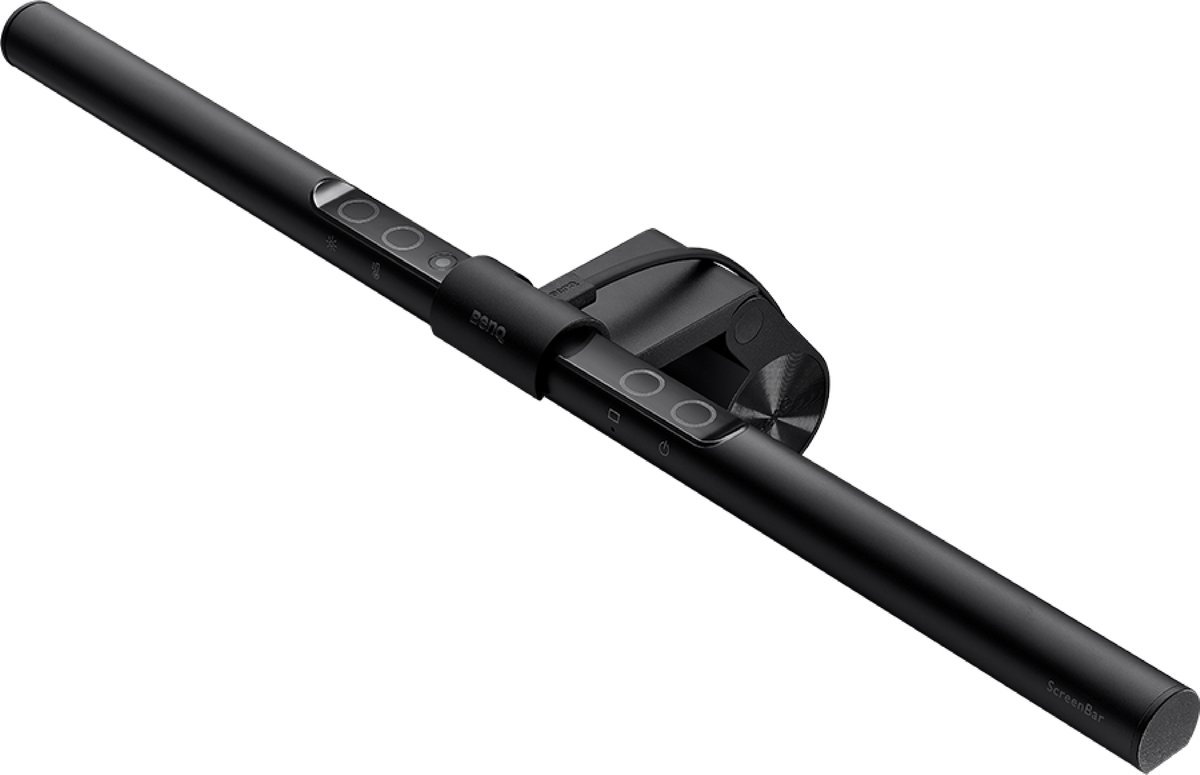
主推 BenQ ScreenBar
Clips on top of the display and lights the desk without glare on the screen — no desk space used.
Monitor light bar · asymmetric design · zero desk footprint
✓ No glare on the screen; no desk space used
✗ Lights only the desk area; list $109 vs $89 noted in the guide
List $109 (the guide noted $89).
Check price on Amazon →As an Amazon Associate, we earn from qualifying purchases. Prices change — Amazon shows the current price.
For two years I blamed my monitor for my 4pm headaches. I tried blue light glasses, dark mode, even a new display. Then I spent $38 on a desk lamp and the headaches stopped within a week. The problem was never the screen — it was the cave I was working in.
Here's what I learned about lighting a home office, including the mistakes I made along the way.
The real problem: contrast
Eye strain isn't caused by screens being "too bright." It's caused by contrast — a bright screen in a dark room forces your pupils to constantly adjust. The fix isn't dimming your monitor; it's raising the ambient light to match.
I measured with a $15 lux meter app: my screen was putting out ~250 lux at my eyes, but the room behind it was at 40 lux. That 6:1 ratio is brutal. The target is closer to 3:1 or better.
My $40 fix (and the $120 upgrade)
The budget fix: A simple LED desk lamp with adjustable color temperature, positioned to wash light across the wall behind your monitor (bias lighting). I use 4000K (neutral white) during the day. Total cost: $38. Headaches: gone.
The upgrade I did later: A monitor light bar ($89) that clips on top of the display and lights the desk without glare on the screen. No desk space used, no reflection. If you have the budget, this is the cleaner solution — especially paired with a proper Zoom setup.
What the research says
The American Optometric Association recommends ambient lighting at roughly half the brightness of your screen, with no harsh overhead glare. I also found that color temperature matters more than I expected — cool white (5000K+) feels alert but harsh after 6pm; warm white (2700-3000K) is easier for evening work.
My routine now: 4000K during work hours, switch to 3000K after 6pm. Most decent lamps have this adjustment. It's a small thing that makes evenings noticeably more comfortable.
Pros and cons: lamp vs light bar
| Desk lamp ($30-50) | Monitor light bar ($70-120) | |
|---|---|---|
| Desk space | Takes up space | Zero footprint |
| Glare on screen | Possible if mispositioned | None (asymmetric design) |
| Adjustability | Very flexible | Limited to desk area |
| Best for | Budget, multi-use desks | Dedicated office setups |
Don't forget the webcam angle
Good lighting also fixes the "horror movie" webcam look. A light source in front of you (not behind) makes you look presentable on calls. I cover this in detail in my webcam guide — the lighting advice there and here work together.
And if your desk is a cable nightmare, fix that too — a tidy desk with good lighting feels like a completely different workspace.
Key specs at a glance
| Mount | Clips on top of the display |
|---|---|
| Glare | Asymmetric design — no reflection on the screen |
| Desk space | Zero footprint |
| Price | List $109 (the guide noted $89) |
| Budget alternative from the guide | An LED desk lamp, about $38–40 |
Frequently asked questions
Is eye strain caused by screens being too bright?
No — by contrast. The author measured about 250 lux at the eyes from the screen but only 40 lux in the room behind it. The target is closer to 3:1, not 6:1.
Desk lamp or monitor light bar?
A $30–50 lamp is flexible and multi-use but takes desk space and can glare if mispositioned. A $70–120 bar uses zero footprint and cannot glare on the screen, but only lights the desk area.
What color temperature should I use?
4000K neutral white during work hours, 3000K warm white after 6pm. Cool white above 5000K feels alert but harsh in the evening.
Does lighting help on video calls too?
Yes — a light source in front of you, not behind, fixes the horror-movie look. The webcam guide covers the same setup from the camera side.
Bottom line
Headaches first, hardware second: raise ambient light to roughly half your screen's brightness. The $38 lamp fixes most rooms; the ScreenBar is the cleaner upgrade when the budget allows.
Affiliate disclosure: some product links may earn ElectroVibe Lab a commission at no extra cost to you. As an Amazon Associate, we earn from qualifying purchases.