
Everyday Tech
Smartphone Battery Habits That Actually Extend Lifespan
What changed in this update: FAQs and an update date were added. This is a guide article with no product picks, so no pick cards or comparison table were added.
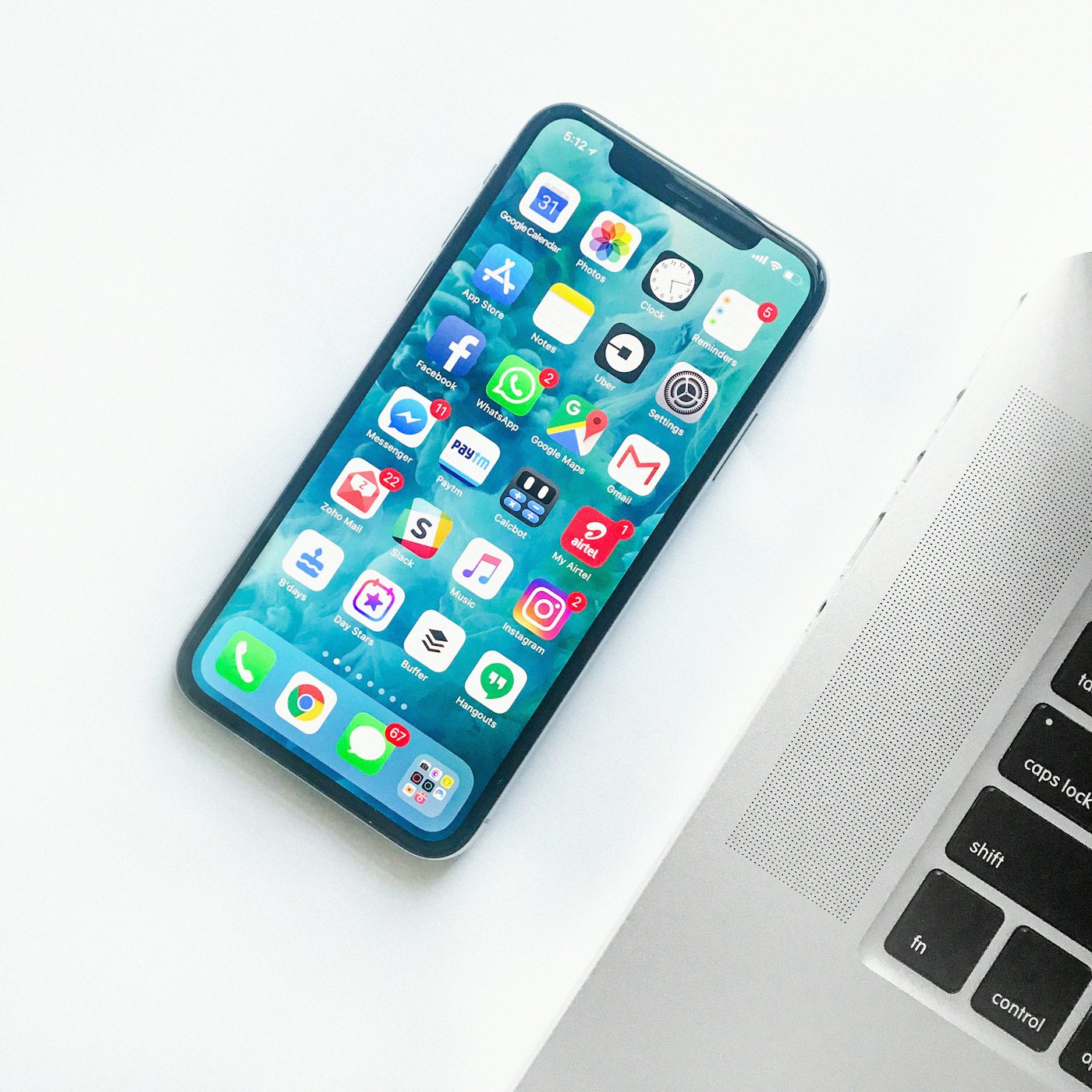
Your phone feels slower after two summers. Often the battery—not the chip—is the culprit. These everyday habits keep capacity closer to new for longer.
Alex used to charge overnight to 100 percent and game on the train with the phone baking in a pocket. Eighteen months later the battery warning appeared before lunch. The hardware was fine. The chemistry was tired.
Lithium-ion cells prefer gentle cycles. You do not need to baby the device, but a few routines make a measurable difference — and they're mostly about heat and voltage, not magic.
Stay in the middle when you can
Keeping charge between roughly 20 and 80 percent reduces voltage stress on the cell. This isn't folklore: Apple's own battery page notes that iPhone batteries are rated for 500 complete charge cycles before dropping to 80 percent capacity, and shallow cycles in the middle of the range count for less wear than full 0-to-100 swings. Many phones now offer optimized charging that pauses near full until morning — turn it on. If your phone has a charge-limit slider (iPhones call it the 80% limit, Pixels and Galaxies have equivalents), set it for nights at home when you know you won't need a full tank.
Heat is the quiet killer
Every 10°C of sustained extra heat roughly doubles the rate of chemical aging inside the cell. Wireless charging on a pillow, dash mounts in summer sun, and heavy camera use while plugged in all cook the battery. Move the phone off soft bedding while it charges so heat can escape. Remove thick cases during fast-charge sessions if the back feels hot to the touch. And if your phone warns about temperature, believe it — that warning exists because damage is happening, not because it might.
What changed my habits
I started taking battery health seriously with an iPhone 13 that hit 84 percent capacity at the two-year mark — right when iOS started throttling peak performance to protect the tired cell. That phone taught me the expensive lesson: a $89 battery replacement would have bought another two years, but I upgraded instead and paid $799 to solve an $89 problem.
On my current phone I run the 80 percent charge limit on weeknights and only charge to full before travel days. After fourteen months, battery health reads 96 percent. The single biggest change wasn't the limit, though — it was moving the charger off my nightstand pillow onto a hard desk surface. The phone used to feel warm every morning; now it's room temperature. Small thermal wins compound.
I also stopped using a cheap gas-station cable that got suspiciously hot. A reputable USB-C cable and a charger matched to the phone's fast-charge profile (20W for most iPhones, 25-45W for Galaxies) runs cooler than a mismatched 65W brick blasting a phone that can't negotiate properly.
Two myths worth killing. First, you do not need to "calibrate" a modern phone battery by draining it to zero — that advice dates to nickel-based cells and actively harms lithium-ion. Second, closing background apps does not save meaningful battery; iOS and Android already freeze idle apps, and relaunching them costs more energy than leaving them suspended. Samsung's battery guidance agrees: manage heat and charge levels, ignore the task-killer apps.
One more number worth knowing: fast charging generates disproportionate heat in the last 20 percent of the charge curve, which is why many phones slow down dramatically past 80 percent. If you're topping up before heading out, unplugging at 85 percent instead of waiting for 100 saves you ten minutes and spares the cell the hottest, most stressful part of the cycle.
Practical day-to-day rules
- Use a reputable cable and charger rated for your phone's fast-charge profile — not the hottest brick you own.
- Dim the screen outdoors with adaptive brightness instead of maxing it all day; the display is the biggest power draw.
- Update the OS — battery management improvements often arrive quietly in point releases.
- Charge on hard surfaces, not beds and couches, so heat dissipates.
Pros and cons
- Pro: The 20-80 percent habit plus heat awareness can easily add a year of healthy battery life — that's a skipped $800 upgrade.
- Pro: Charge limits and optimized charging are built into modern phones; the effort is nearly zero once set.
- Con: An 80 percent cap means 20 percent less runtime on heavy days — disable it before travel.
- Con: No habit saves a battery forever; chemistry degrades with age regardless, roughly 5-10 percent per year even with perfect care.
When habits aren't enough
When capacity finally drops below a comfortable day, a certified battery replacement — $89 at Apple, similar at Samsung — usually costs less than a tenth of a new flagship. Check manufacturer repair pricing before you refresh the whole device. And if you're debating whether the battery is the real reason to upgrade, my phone upgrade framework walks through the decision honestly. For the days when no habit can save you, a good portable charger is the honest backup plan — just keep it out of checked luggage.
Frequently asked questions
Why the 20-80 percent rule?
Keeping charge between roughly 20 and 80 percent reduces voltage stress on the cell. iPhone batteries are rated for 500 complete charge cycles before dropping to 80 percent capacity, and shallow cycles in the middle count for less wear than full 0-to-100 swings. Turn on optimized charging, and use the 80% charge-limit slider on nights at home.
Why is heat the quiet killer?
Every 10°C of sustained extra heat roughly doubles the rate of chemical aging inside the cell. Wireless charging on a pillow, dash mounts in summer sun, and heavy camera use while plugged in all cook the battery. Charge on hard surfaces, remove thick cases during fast-charge sessions if the back feels hot, and believe the temperature warning — it means damage is happening.
Do I need to calibrate the battery or close background apps?
No to both. Draining to zero dates to nickel-based cells and actively harms lithium-ion. Closing background apps does not save meaningful battery either — iOS and Android already freeze idle apps, and relaunching them costs more energy than leaving them suspended.
When should I replace the battery instead of the phone?
When capacity drops below a comfortable day. A certified battery replacement — $89 at Apple, similar at Samsung — usually costs less than a tenth of a new flagship. The author's iPhone 13 hit 84% at two years and the upgrade cost $799 to solve an $89 problem.
Affiliate disclosure: some product links may earn ElectroVibe Lab a commission at no extra cost to you. As an Amazon Associate, we earn from qualifying purchases.