Everyday Tech
How to Speed Up a Slow Laptop Without Buying a New One
What changed in this update: pick tiers, spec lines, pros and cons, a comparison table, FAQs, and a closing verdict.
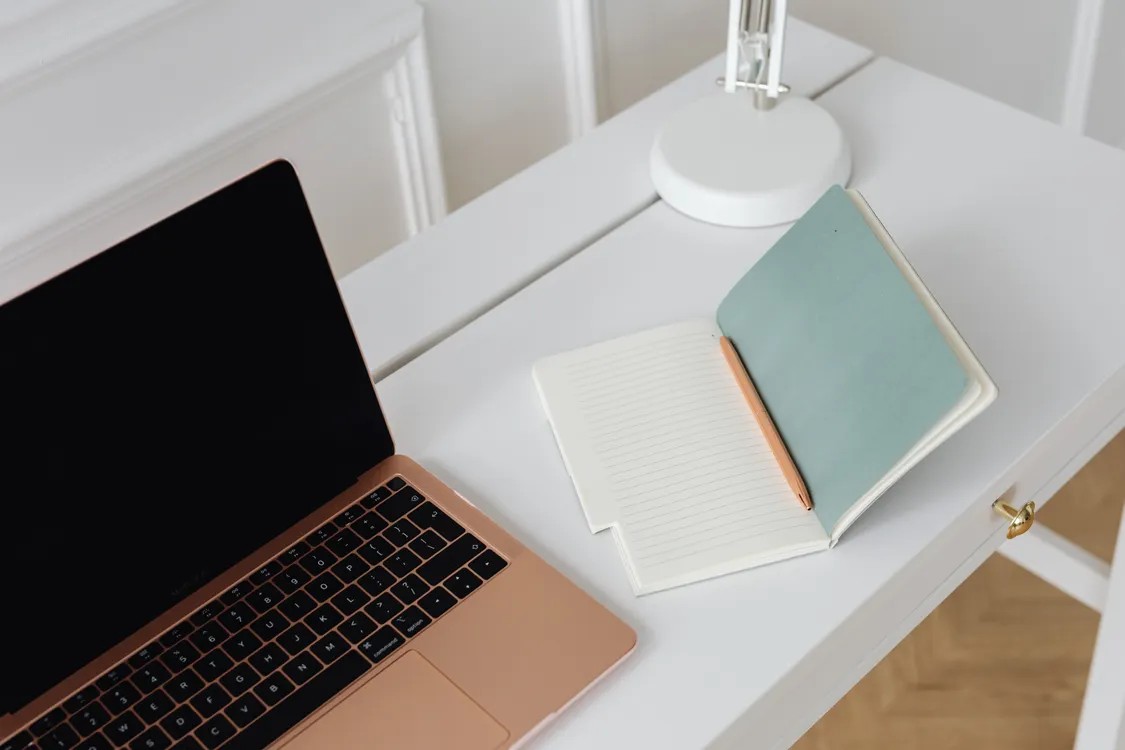
Before you spend $800 on a new laptop, try these 7 fixes. I revived a 5-year-old machine from unusable to perfectly fine in one afternoon.
🛒 Featured picks in this guide
The products mentioned in this guide, in one place — tap through to check the current price on Amazon.
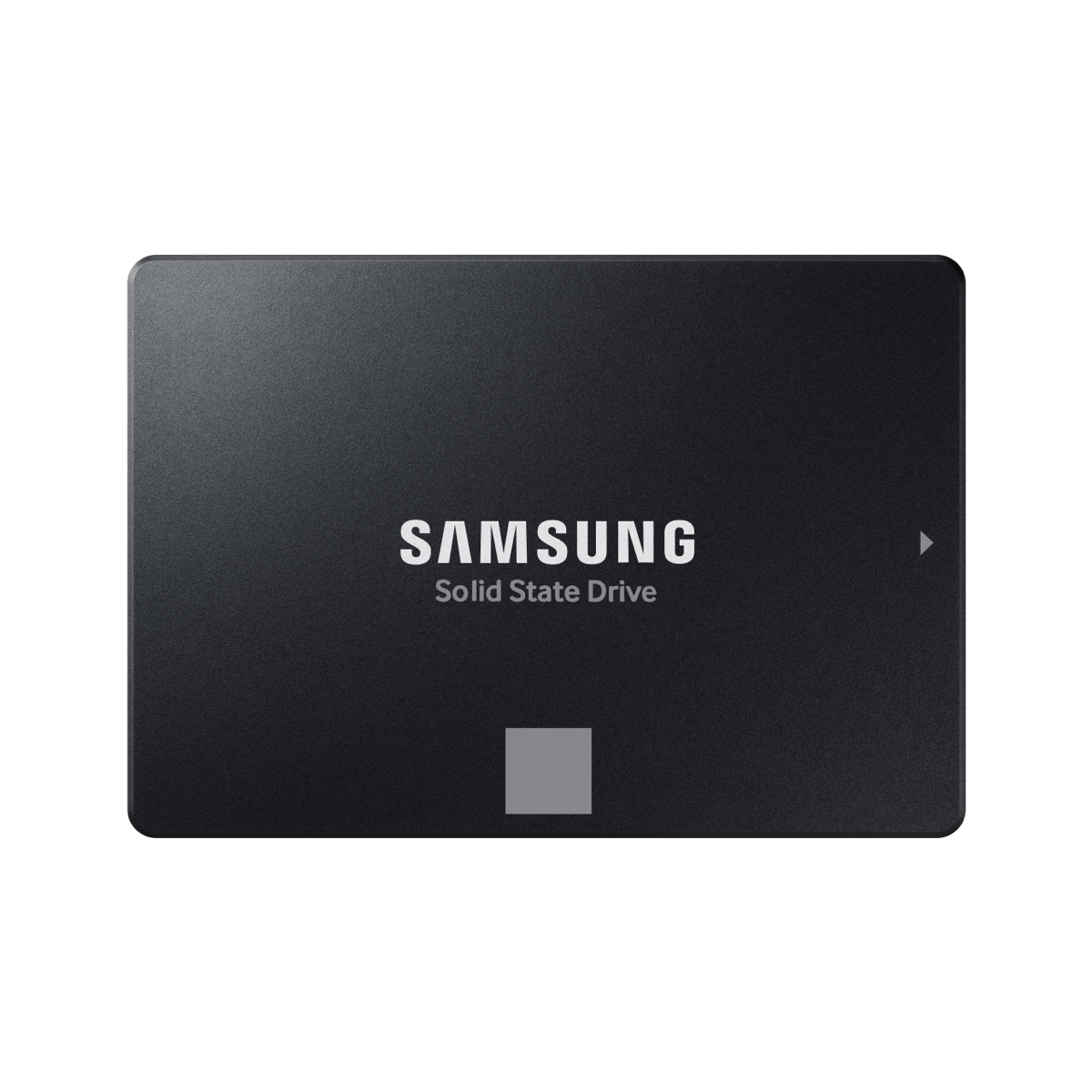
机械盘升级之选 Samsung 870 EVO 500GB
The transplant that makes a 5-year-old laptop feel new again.
500GB SATA SSD · about $40 in the guide
✓ The fix when a spinning hard drive is the bottleneck
✗ No help if you already have an SSD — then the issue is software
Check price on Amazon →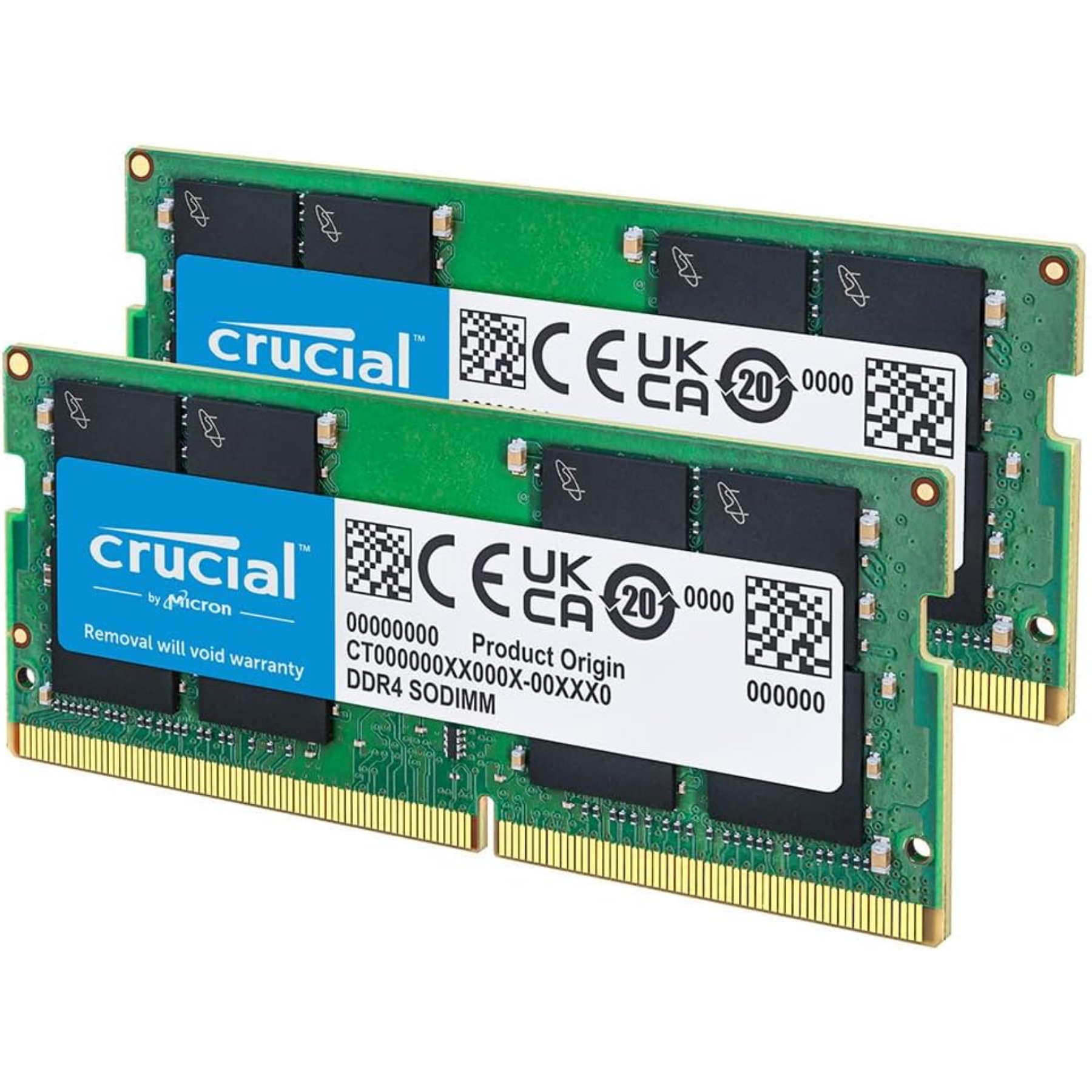
内存升级之选 Crucial 16GB DDR4 Kit (2x8GB)
8GB to 16GB in 10 minutes — the upgrade that added two more years to an old laptop.
2x8GB DDR4 · about $30 · 10-minute install
✓ Cheapest life extension in the guide — two more years
✗ Many thin-and-lights have soldered RAM — check your model first
Check price on Amazon →As an Amazon Associate, we earn from qualifying purchases. Prices change — Amazon shows the current price.
My 2021 laptop had become painful — 3 minutes to boot, Chrome tabs freezing, the fan screaming at idle. I was one click away from buying a replacement. Instead I spent a Saturday fixing it. Total cost: $0. Result: it boots in 28 seconds and handles my full workload.
Here's exactly what I did, in order of impact.
1. Check what's actually slow (5 minutes)
Open Task Manager (Ctrl+Shift+Esc on Windows) or Activity Monitor (Mac). Sort by CPU and Memory. In my case, three things were eating resources: a forgotten crypto miner from a sketchy download, 47 Chrome extensions, and OneDrive syncing 80GB.
Don't guess — measure first. The culprit is almost never what you expect.
2. Kill startup programs (10 minutes, huge impact)
This was the single biggest win. My laptop was launching 23 programs at boot — Spotify, Discord, Adobe updaters, printer utilities I'd never used. I disabled everything except antivirus and cloud sync.
Boot time went from 3 minutes to 45 seconds from this step alone. On Windows: Task Manager → Startup tab → disable. On Mac: System Settings → General → Login Items.
3. The SSD check (the hardware question)
If your laptop still has a spinning hard drive (HDD), this is your problem. A $40 500GB SATA SSD transplant makes a 5-year-old laptop feel new. I helped my dad do this last year — his 2019 laptop went from unusable to snappy.
Check what you have: on Windows, Task Manager → Performance → Disk. If it says "HDD," upgrade. If it already says "SSD" and it's still slow, the issue is software.
4. RAM: the 8GB wall
8GB RAM was fine in 2020. In 2026, with Chrome + Zoom + Slack open, it's the bottleneck. My Activity Monitor showed memory pressure in the red with just normal work apps.
If your laptop has upgradeable RAM (many thin-and-lights don't — check your model's specs), going from 8GB to 16GB costs ~$30 and takes 10 minutes. This extended my laptop's life by at least 2 years.
My hands-on take: the full results
Here's the before/after on my 2021 laptop (i5, 8GB RAM, 256GB SSD):
- Boot time: 3:12 → 0:28
- Chrome with 15 tabs: freezing → smooth
- Zoom + screen share: stuttering → fine
- Fan noise at idle: audible → silent
- Total cost: $0 (already had SSD, RAM was soldered)
The honest truth: if your laptop has a decent CPU from the last 5 years (Intel 8th gen+, Apple M1+, AMD Ryzen 3000+), it's probably fine — it just needs maintenance. Only replace if the CPU itself can't handle your workload.
When to actually replace
Don't throw good money after bad. Replace if: the battery is swollen (safety issue), the screen or keyboard is failing and parts cost more than the laptop's worth, or you need something your hardware fundamentally can't do (e.g., Apple Silicon for iOS development).
If you do need a new machine, read my hybrid work laptop guide first — and check what's safe to buy refurbished to save 30-40%. A similar logic applies to phones — most "slow" devices just need maintenance, not replacement.
For SSD upgrade compatibility, Crucial's compatibility tool tells you exactly which SSD and RAM fits your specific model — I use it before every upgrade.
Compare the picks
| Product | Best for | Price | Key specs | |
|---|---|---|---|---|
| Samsung 870 EVO 500GB | Laptops still on a spinning hard drive | ~$40 (guide) | 500GB SATA SSD | Check price → |
| Crucial 16GB DDR4 Kit (2x8GB) | 8GB RAM machines with upgradeable slots | ~$30 (guide) | 2x8GB DDR4, 10-minute install | Check price → |
Frequently asked questions
My laptop takes 3 minutes to boot — what first?
Do not buy a new machine yet. The author disabled 23 startup programs and boot time fell from 3 minutes to 45 seconds. Check Task Manager or Activity Monitor before spending anything.
Will an SSD upgrade always help?
Only if you still have a spinning hard drive. If Task Manager already shows SSD and the machine is still slow, the issue is software.
Is 8GB RAM enough in 2026?
No longer, with Chrome, Zoom, and Slack open. If your model has upgradeable RAM, going to 16GB costs about $30 and takes 10 minutes.
When should I replace instead of upgrade?
If the battery is swollen, if screen or keyboard repairs cost more than the laptop is worth, or if you need something the hardware fundamentally cannot do.
Bottom line
Do the free fixes first — the author cut boot time from 3 minutes to 45 seconds just by killing startup programs. Then fix only the real bottleneck: SSD for spinning drives, 16GB RAM for the 8GB wall. Replace the laptop only if the CPU itself cannot do the job.
Affiliate disclosure: some product links may earn ElectroVibe Lab a commission at no extra cost to you. As an Amazon Associate, we earn from qualifying purchases.